IFC Merge v3.65 for Windows
Merge multiple IFC exchange files and review the combined model in a local 3D viewer. IFC Merge is a free Windows utility.
Download IFC Merge v3.65 — free Windows installer
Read the v3.65 IFC Merge user guide
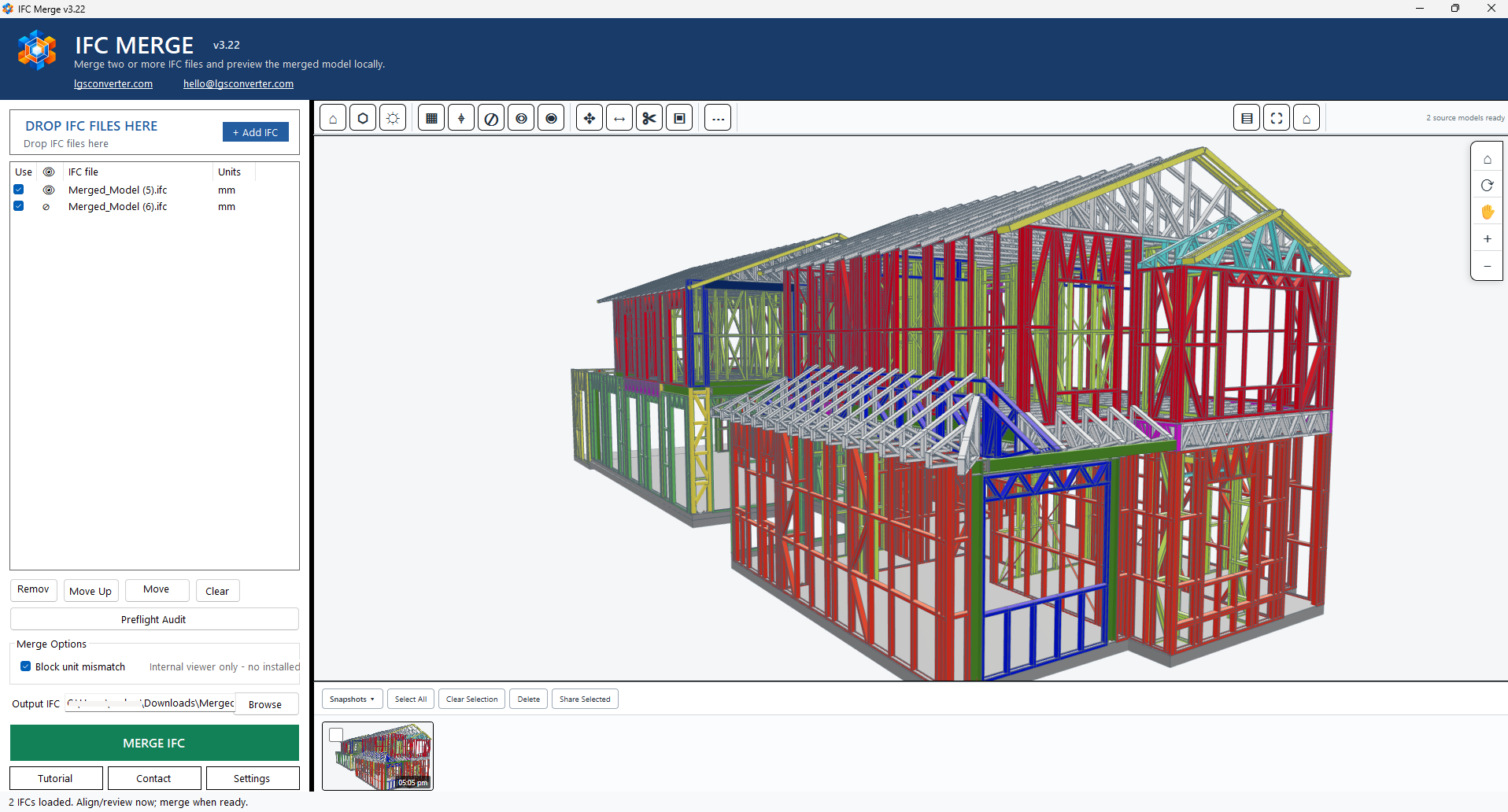
Merge IFC files and preview the result locally
Load and manage source files, inspect and align the models, use section cuts, measurement, member properties, snapshots, and Preflight Audit, then save a merged IFC. The guide covers the core workflow; its reference screenshot is from v3.22, so controls may look different in v3.65. Compatibility depends on your IFC files; review the result before relying on it for project handoff.
Quick workflow
- Add IFC files by drag and drop or Add IFC.
- Review file units, visibility, and placement in the 3D viewer.
- Move, rotate, or align models when needed.
- Inspect sections, dimensions, properties, and snapshots.
- Run Preflight Audit, choose an output path, and select MERGE IFC.
- Reopen the result and verify geometry and placement.
Frequently asked questions
Is IFC Merge available to download?
Yes. IFC Merge for Windows v3.65 is available as a free download.
How many IFC files can I combine?
IFC Merge is intended for combining more than two IFC files. A maximum file count has not been published.
Which IFC versions and authoring tools are supported?
Compatibility details are not published yet. Validate your merged model in your BIM workflow before using it as a project handoff.
For support, email hello@lgsconverter.com.